Let be the focus of the parabola , and let be the foot of the perpendicular from a point on the parabola to its directrix. If , what is the area of triangle ? [4 pts]
- ①
- ②
- ③
- ④
- ⑤
Whatever an AI produced — MODU takes it in without breaking it, lets you tidy it, and shelves it. Math that used to shatter on paste becomes a question; questions become an exam paper.
01 Take in · 02 Tidy · 03 Shelve · 04 Print
Let be the focus of the parabola , and let be the foot of the perpendicular from a point on the parabola to its directrix. If , what is the area of triangle ? [4 pts]
Drag the red point P. It stays on the parabola, and the foot H follows.
01 · Take in
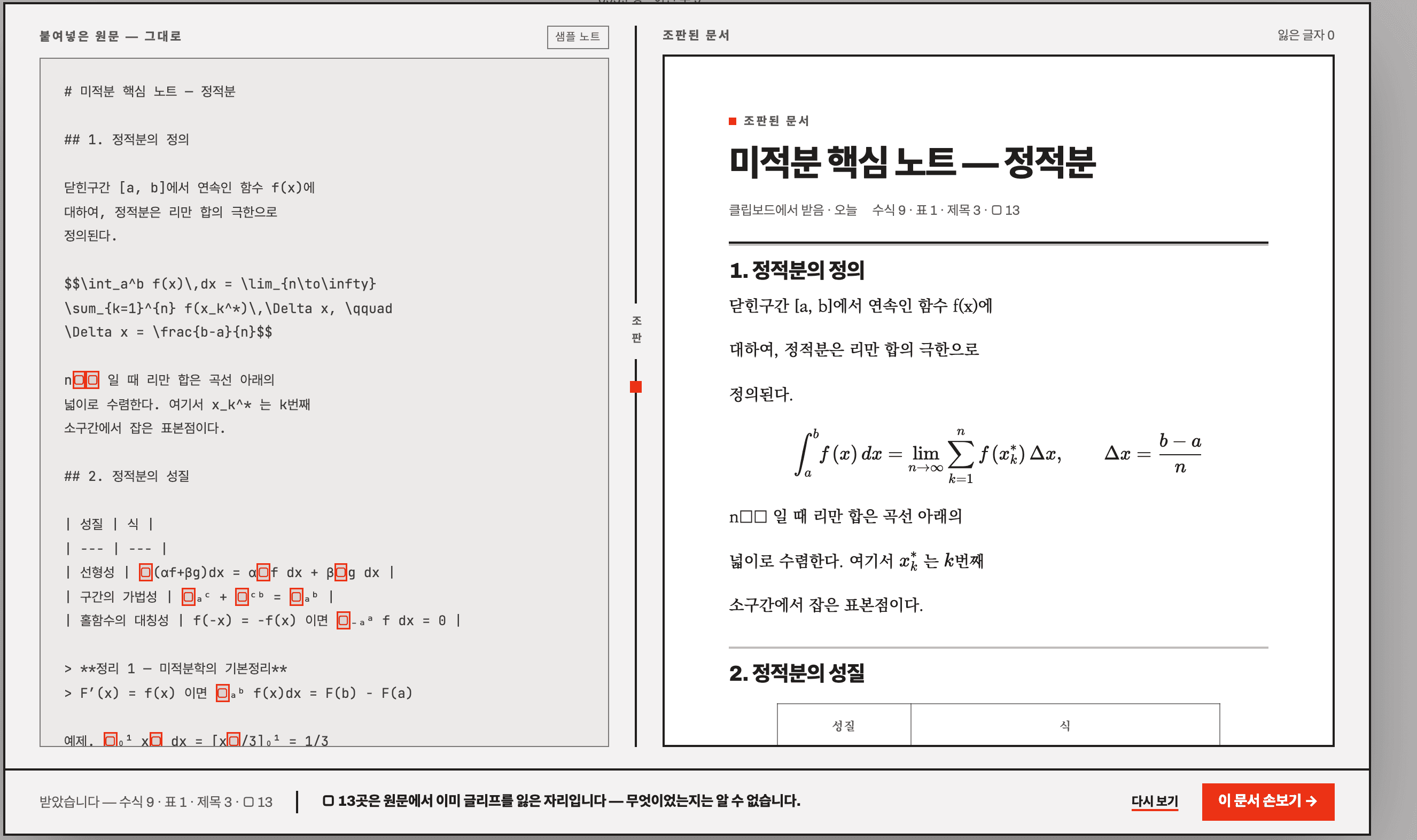
Paste a ChatGPT, Claude or Gemini answer whole. Math with no delimiters, absolute-value bars inside a table, an unclosed $$ — all of it comes in as is. The raw text stays on the left; the typeset document sits on the right. Glyphs that could not be recovered are counted and marked, never invented.
02 · Tidy
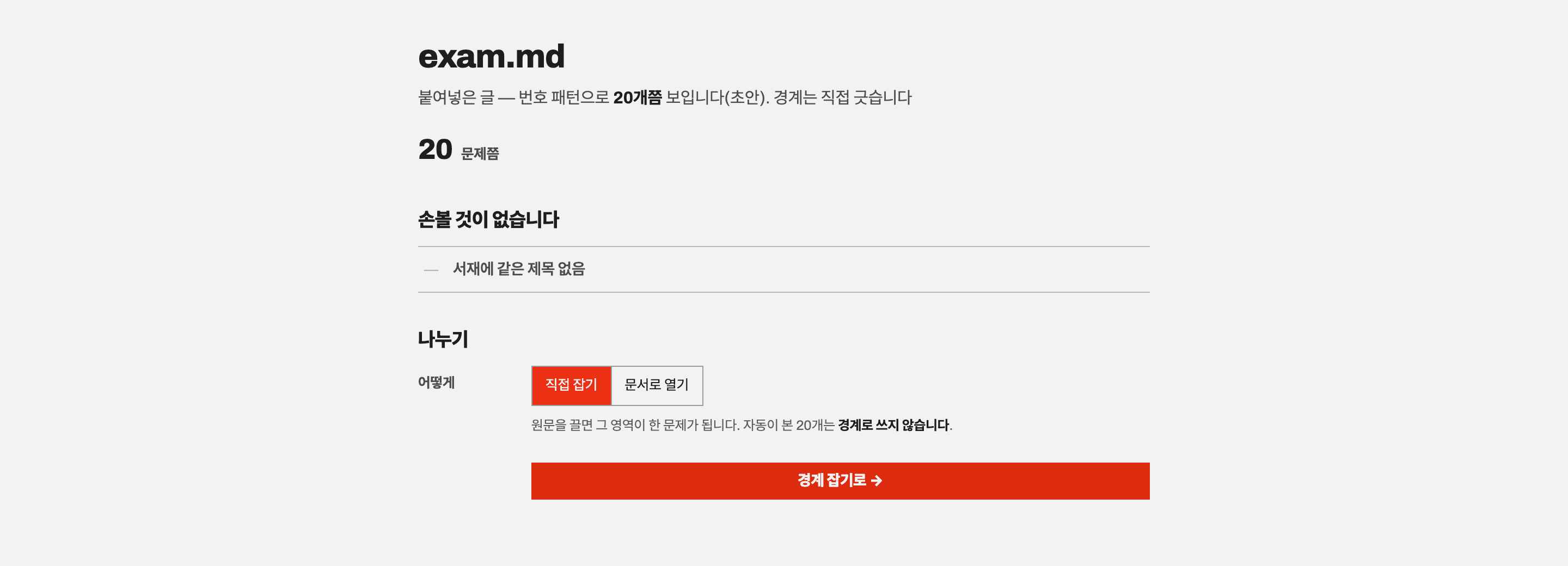
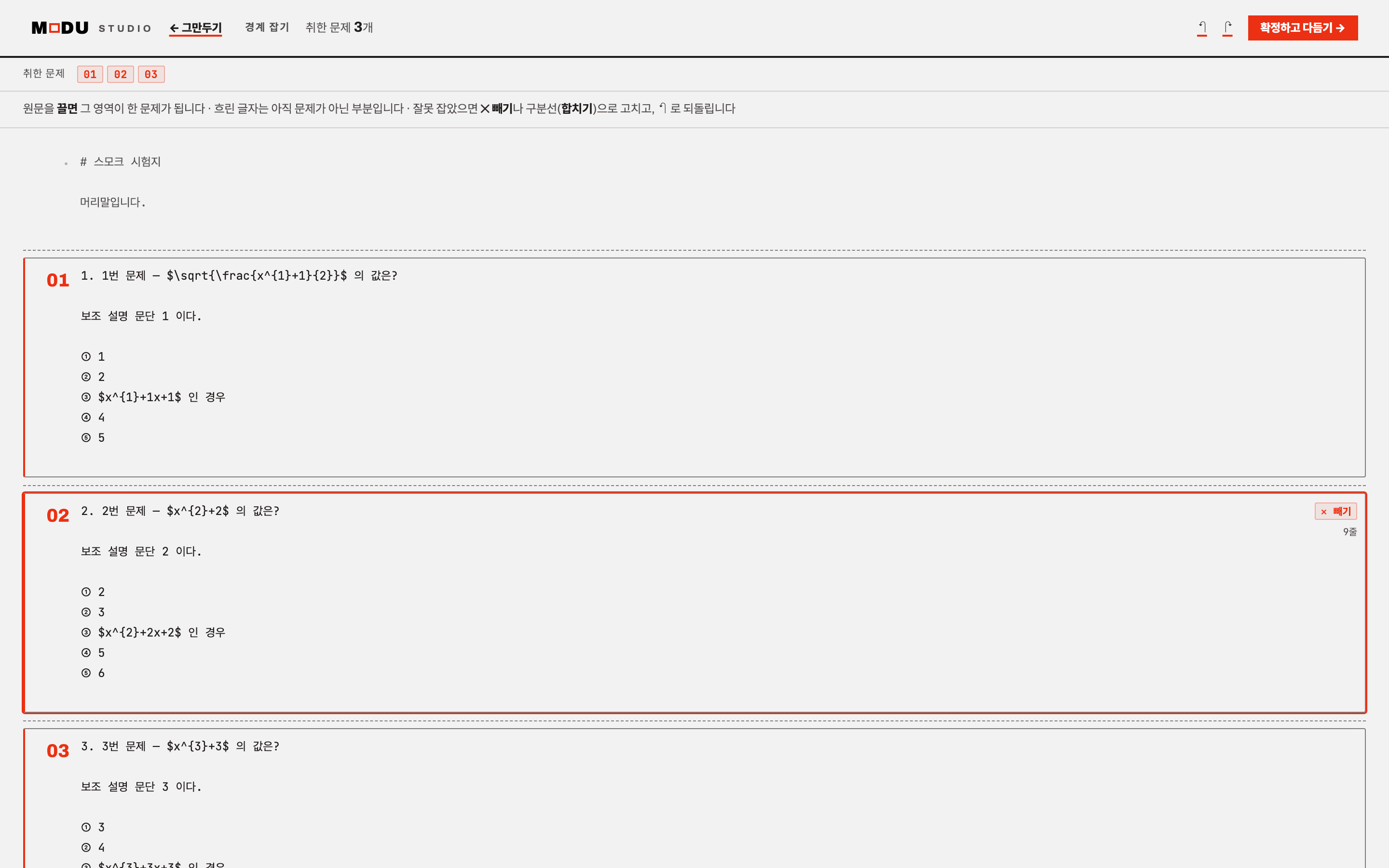
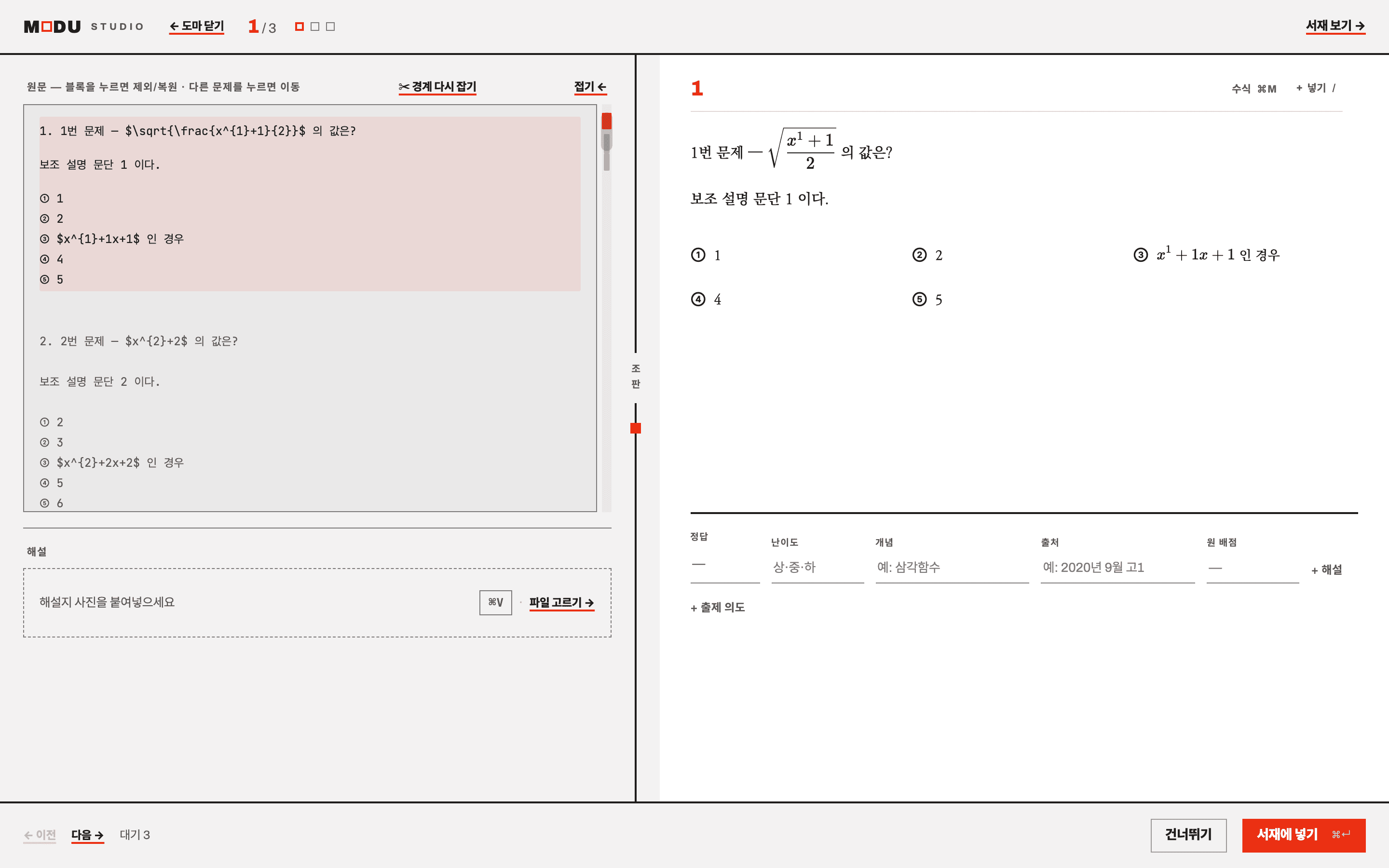
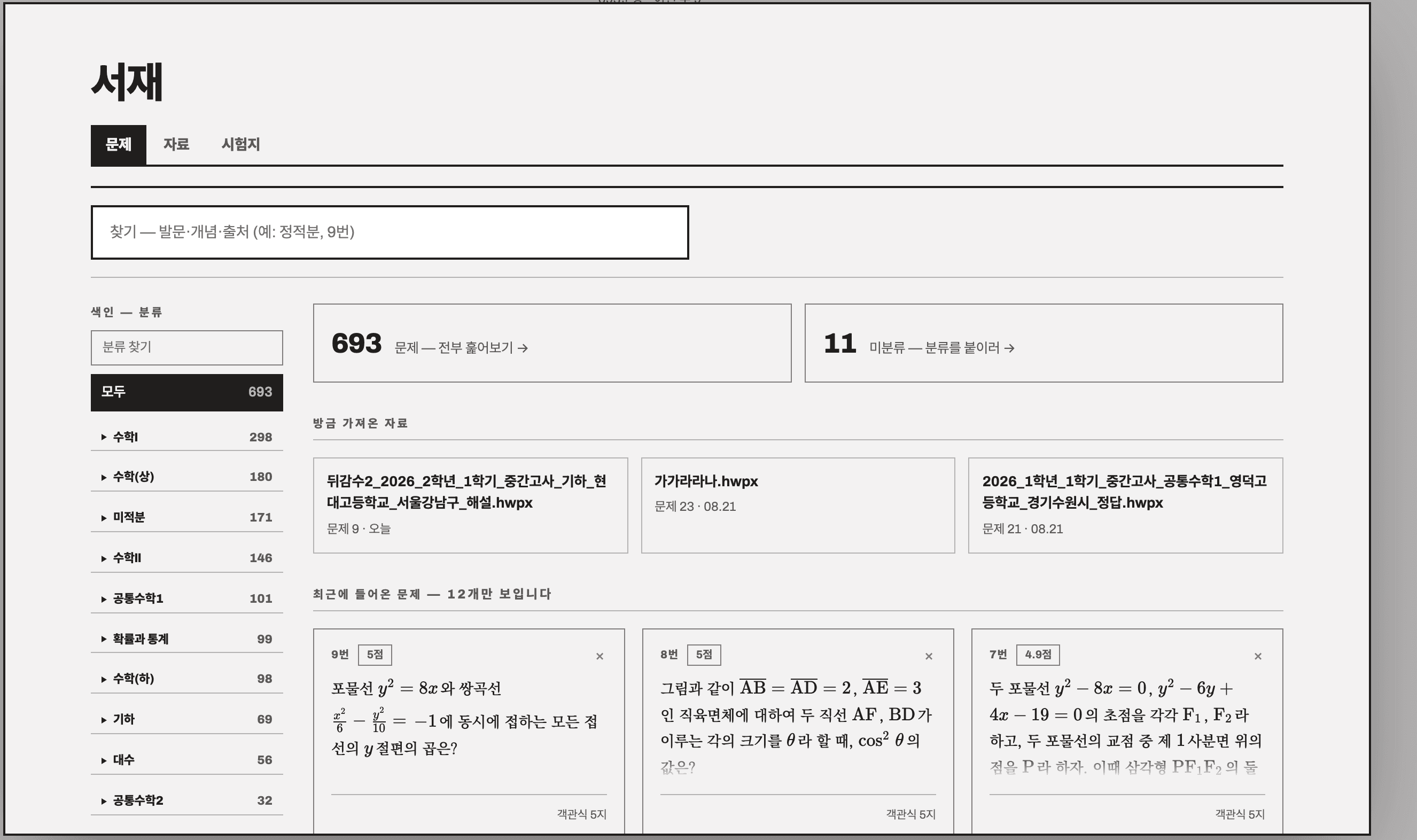
Drag across the raw text and that span becomes a question. Wrong grab? Remove, merge, undo. Then the workbench, one question at a time — raw on the left, typeset on the right. Promote math with ⌘M, fill in answer, difficulty, concept and source, and put it on the shelf.
02 · Figures
Figures on exam papers arrive as photos. 'Convert to editable' reads the relations in the photo — focus, directrix, intersections — rebuilds the figure from them, and fits the draft's free numbers to the ink in the photo. After confirming, you can still drag the points.
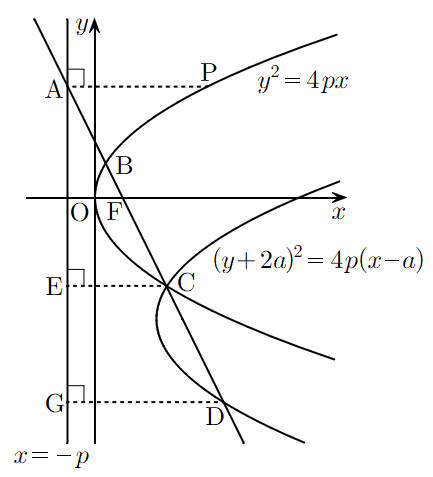
drag the red point P — the chord turns and the intersections and feet follow
03 · Shelve
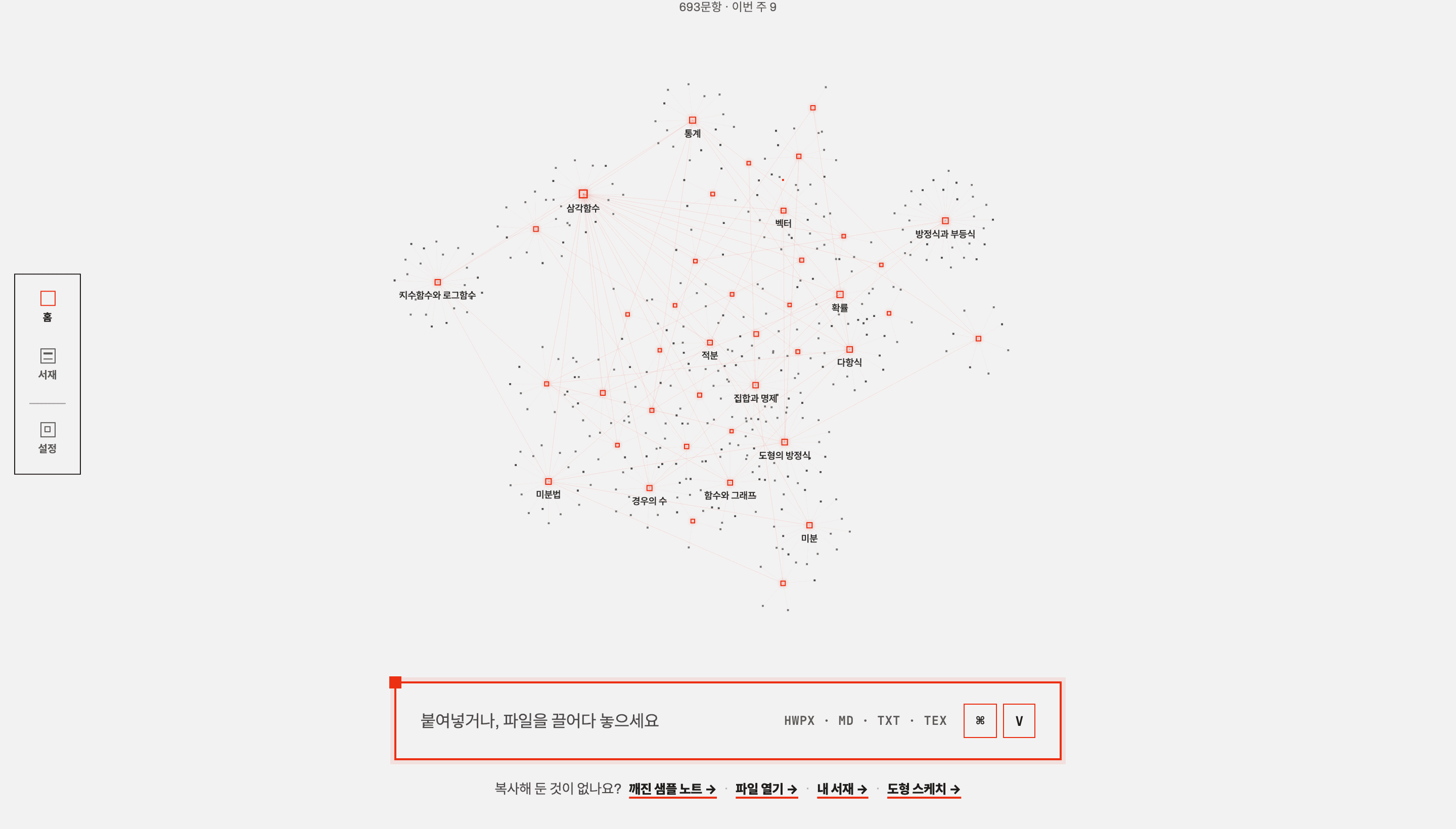
Shelved questions appear as stars on the first screen. Concepts are hubs, questions are stars — constellations from afar, single questions up close. The library only unfolds once you have an intent: a search term, a category, a source you just imported.
04 · Print
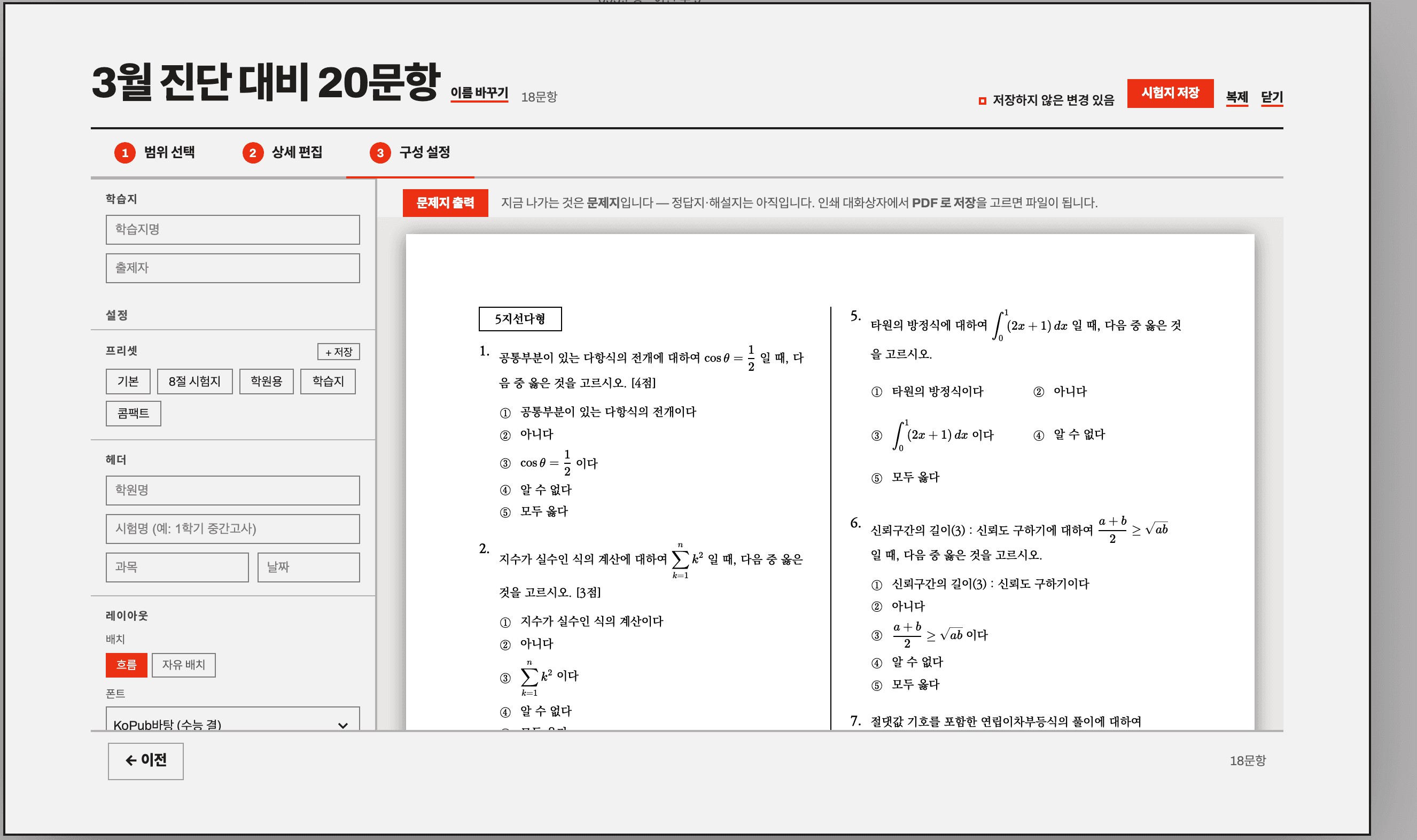
Pick a scope by source and concept and it becomes an exam paper. Adjust order and points, add school and exam names, and check A4 pages in the preview. Save as PDF from the print dialog and you have a file. Preview and print are the same rendered screen, so they cannot differ. What ships today is the question sheet — answer and solution sheets are not there yet.
The same engine the studio uses, running in your browser. Real output from ChatGPT, Claude or Gemini — or one of the cases below. It typesets as you type.
No headings, no bold — Korean and English prose with hundreds of formulas, block equations jammed against paragraphs on purpose. Your browser typeset the whole document just now. Scroll it.
The before/after above and the playground are produced by the same code the studio runs. The engine depends on katex and jszip and nothing else, so it behaves the same at build time on a server and live in a browser. It is not published separately yet — it is hardening inside the studio first.